Automatic daily backups protect your work and make it simple to "undo" website problems..
Have you ever woken up in the morning to realize that your website was hacked, deleted, or just wasn’t working? It’s a pretty terrible feeling! The best way to prepare for nearly any website problem is to ensure that you always have a good, up-to-date website backup.
CodeGuard is the website backup solution that simply works without a thought—connect CodeGuard to your website via FTP or WordPress plugin and it will automatically backup your website files and database every day.
Choose the right plan for your needs (depending on how many sites you have and how much data you need). For reference, most small websites require less than a GB of backup space.
CodeGuard keeps constant watch over your website files. The moment any file is added, edited, or removed — whether intentionally or accidentally — you’re alerted instantly. This ensures transparency and gives you time to take action before damage is done.
“Stay informed, stay safe”
Daily Threat Detection
Security Checks
Your website is scanned daily for malware and suspicious changes. CodeGuard helps catch issues early — before they lead to blacklisting, customer data loss, or reputational harm.
“Catch threats early“
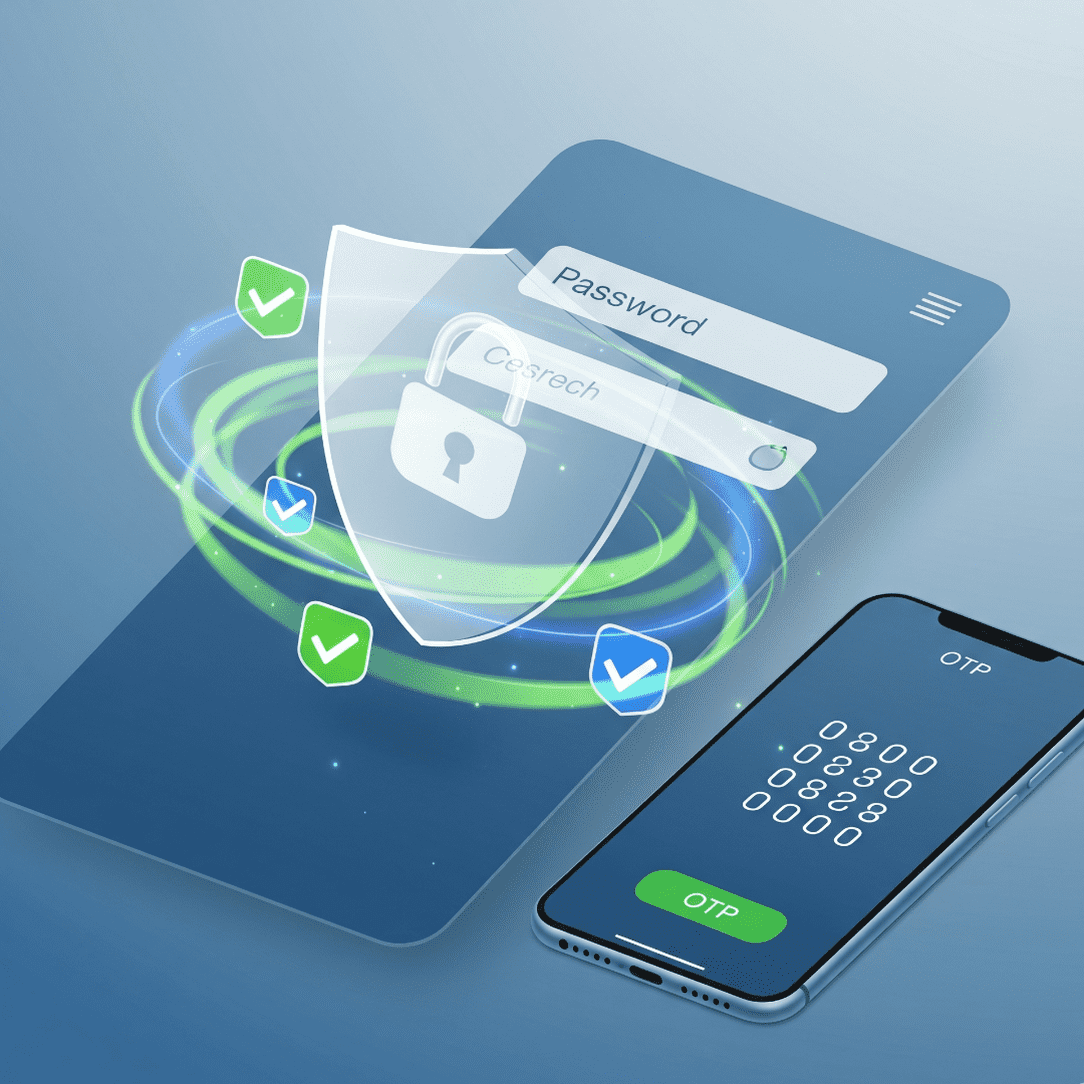
Secure Your Login
Extra Login Protection
Your website is scanned daily for malware and suspicious changes. CodeGuard helps catch issues early — before they lead to blacklisting, customer data loss, or reputational harm.
“Catch threats early“
Access Logs & Insights
Monitor Every Login Attempt
Every access to your backup system is logged with detailed IP information. You’ll know exactly when, where, and how your backups were viewed or changed — giving you total oversight.
“See who, when, where“
Stay Ahead of Issues
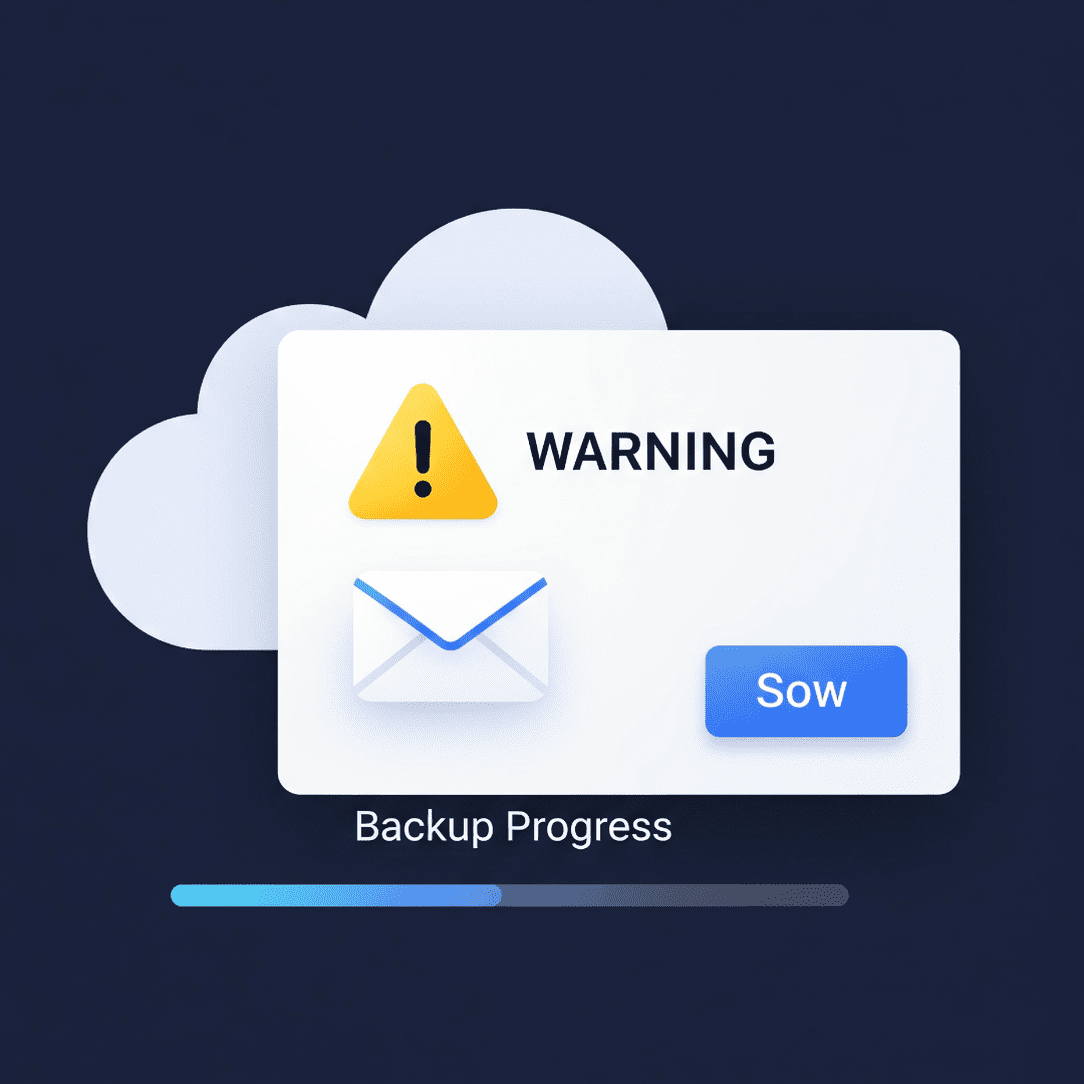
Never Miss a Backup
If your scheduled backup doesn’t complete, you’ll get an immediate alert. This helps you respond quickly, fix the issue, and ensure your site remains protected.
“Instant alert, instant action”
Team Access Controls
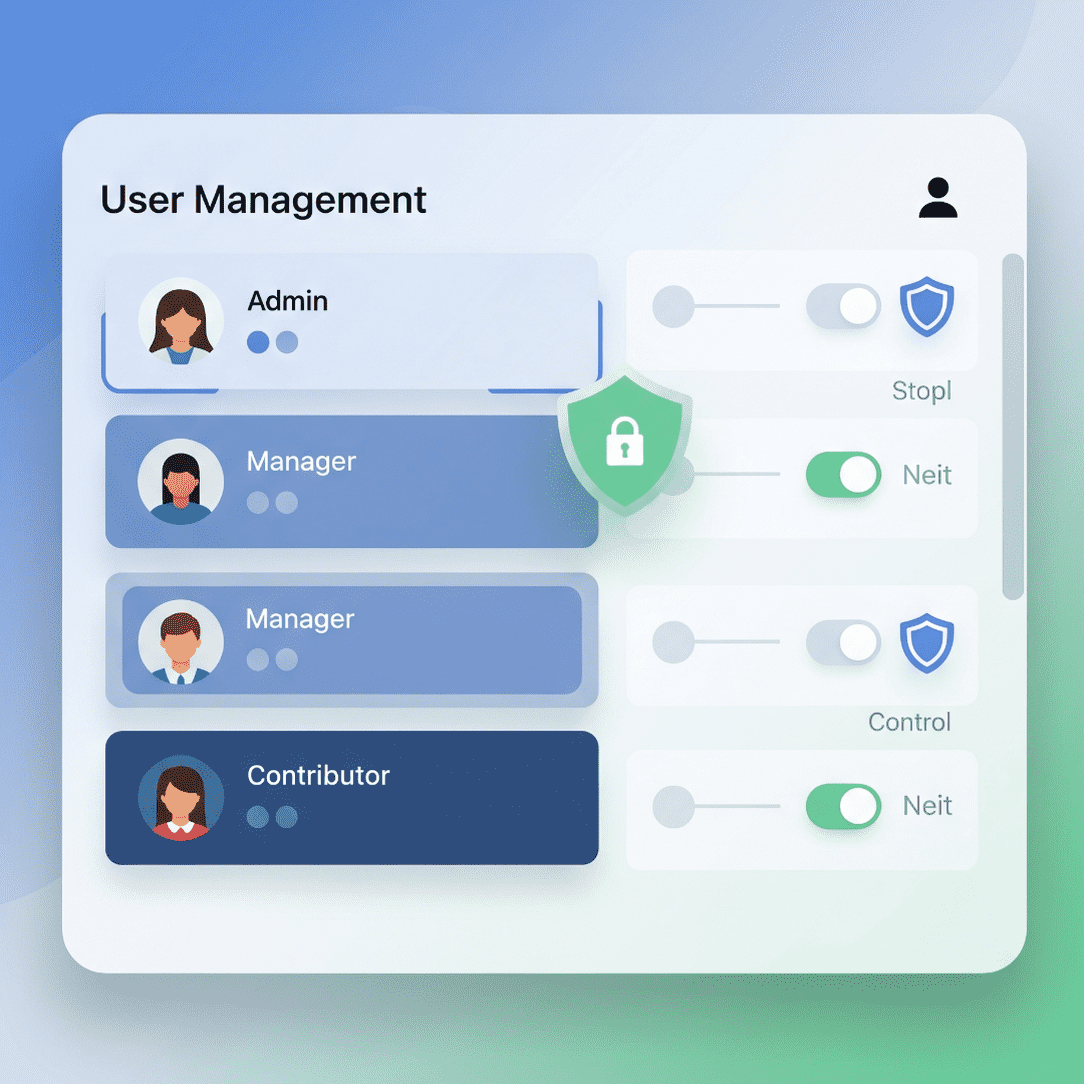
Control Who Does What
Give your team members custom roles with specific access permissions. Whether you’re an agency or part of a larger team, this ensures everyone has just the access they need — no more, no less.